Best free movie apps for Android TV make it easier to enjoy movies and television shows without paying for another monthly subscription. With a compatible Android TV device, viewers can access a variety of free streaming services, on-demand movies, classic films, documentaries, and other entertainment from the comfort of their living room. Choosing the right application depends on content availability, streaming quality, advertisements, device compatibility, and regional restrictions.
What Are the Best Free Movie Apps for Android TV?
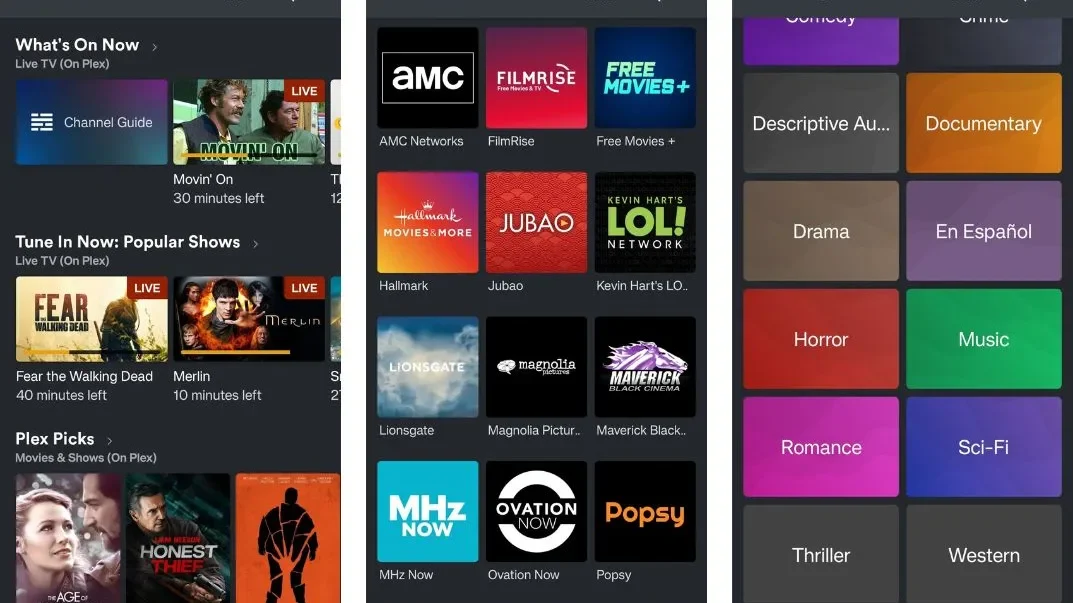
The best free movie apps for Android TV provide access to movies and shows without requiring a traditional paid subscription. Most legitimate platforms use advertising or other revenue models to keep their content available at no direct cost to viewers.
How Free Movie Streaming Works
Many free platforms use an ad-supported streaming model, allowing viewers to watch movies while advertisements generate revenue for the service. Commercials may appear before a movie starts or at different points during playback, depending on the platform. This model gives users access to free entertainment while allowing streaming providers to maintain their content libraries.
Are Free Movie Apps Legal?
When searching for the best free movie apps for Android TV, legality should always be considered before installing an application. Legitimate services generally obtain the appropriate distribution rights or provide public-domain content that can legally be streamed. Using recognized platforms is also safer because unofficial applications may contain malware, intrusive advertisements, or unauthorized copyrighted material.
Why Android TV Is Ideal for Streaming
Android TV is designed around large-screen entertainment and supports a wide range of streaming applications. Users can search for movies, browse categories, and control playback with a remote instead of relying on a smartphone or computer. With a stable connection, Android TV provides a convenient environment for smart TV streaming and on-demand entertainment.
Top Free Movie Apps for Android TV
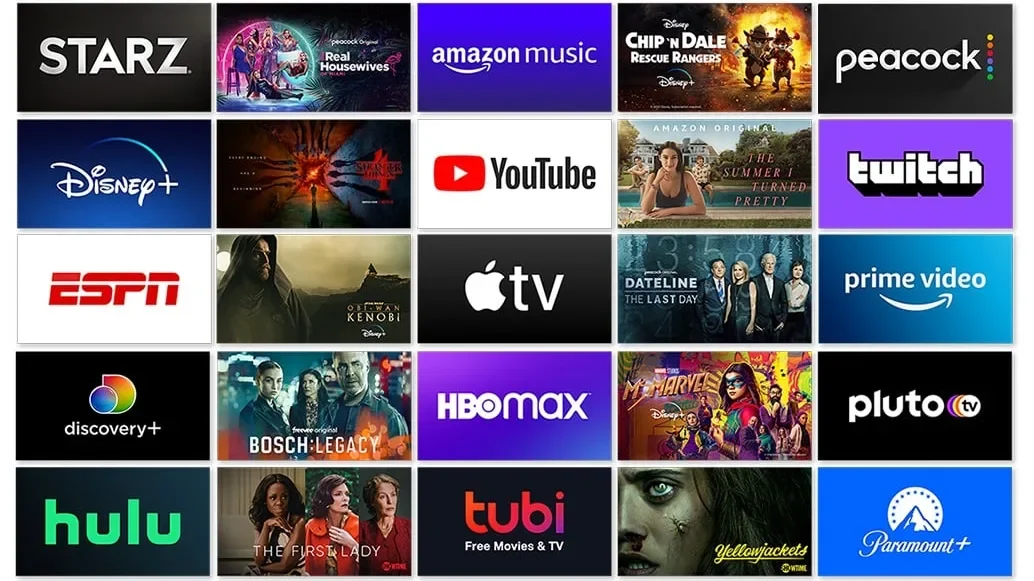
The best free movie apps for Android TV can vary depending on where you live and what type of content you prefer. The following services are among the options worth considering because they combine free access with established streaming platforms and television-friendly interfaces.
Tubi
Tubi is a popular free movie streaming service that provides movies, television shows, documentaries, and different genre collections in supported regions. Its advertising-supported model allows users to browse and watch available content without paying a standard monthly subscription. The catalog changes regularly, so viewers can discover different titles by exploring categories, recommendations, and recently added content.
Pluto TV
Pluto TV combines live TV channels with an on-demand library, making it different from services that focus exclusively on movies. Users can watch scheduled programming or select individual movies and shows whenever they want. The available channels and content depend on the user’s location, but its combination of live and on-demand programming makes it a useful option for Android TV households.
Plex
Plex is best known for its personal media management features, but it also offers free ad-supported movies and television programs. The platform can therefore appeal to users who want to organize their own media library while also discovering additional online entertainment. Its television-friendly interface and broad device support make Plex another option worth exploring for Android TV streaming.
Crackle
Crackle has traditionally offered free, ad-supported movies and television content in selected markets. Its catalog can include different genres, older films, television series, and other forms of entertainment without requiring a standard paid subscription. Because streaming rights can change, users should check the current availability of titles in their region before relying on Crackle as their main source of free movies.
The Roku Channel
The Roku Channel offers free movies, TV shows, and other programming in supported markets. Although it is closely connected with the Roku ecosystem, the service can be available through compatible platforms and devices depending on the region. Its combination of free TV streaming, movies, and advertising-supported programming makes it another service worth checking when looking for no-cost entertainment.
Features to Look for in Free Movie Apps
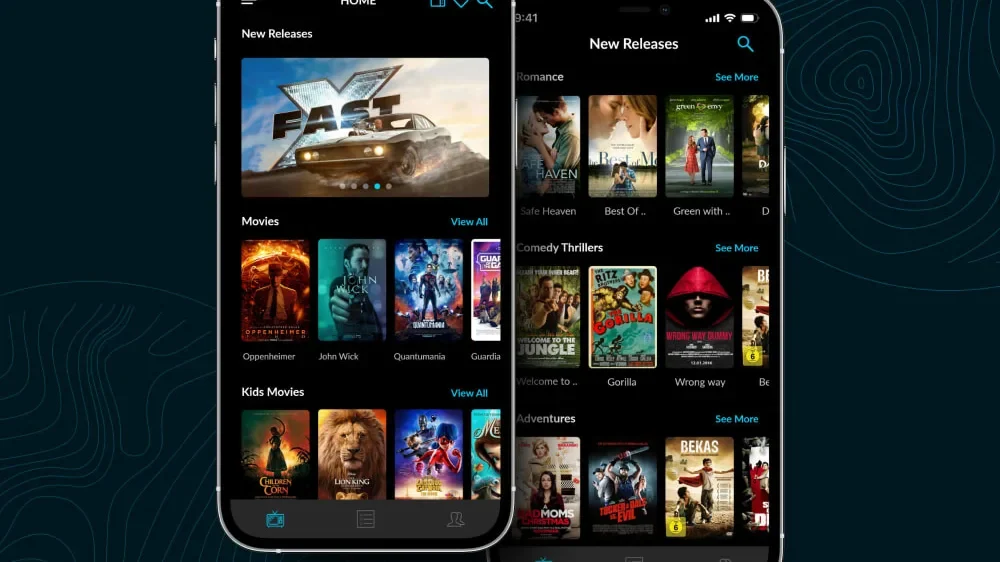
Choosing between the best free movie apps for Android TV requires more than looking at whether an application is free. A good platform should provide useful content, dependable playback, an easy-to-use interface, and features that make it simple to discover and watch movies.
Movie Library
The quality of a movie catalog is often more important than its overall size because viewers want access to titles that match their interests. Look for services offering genres such as action, comedy, drama, horror, science fiction, animation, and documentaries. A regularly updated library is also valuable because new movies and shows can keep the service interesting over time.
Video and Audio Quality
Streaming quality has a noticeable effect when movies are viewed on a large television. Depending on the service, title, device, and internet connection, users may have access to HD or other supported resolutions. Viewers with a soundbar or home theater should also consider available audio quality and whether the platform supports the features offered by their equipment.
User Interface
A clean TV-friendly interface makes browsing much easier when using a television remote. Search functions, genre categories, watchlists, recommendations, and responsive menus can help users find movies without spending too much time navigating the application. A well-designed interface is especially useful when multiple people in a household use the same Android TV.
How to Install Free Movie Apps on Android TV
Installing the best free movie apps for Android TV is generally simple when the application is officially supported. Users should rely on trusted sources whenever possible because downloading applications from unknown websites can introduce unnecessary security risks.
Use the Google Play Store
The Google Play Store is usually the easiest way to find compatible streaming applications for Android TV. Search for the name of the service, review the developer information, and select the official application before starting the installation. Using an official listing reduces the risk of installing an imitation app or potentially harmful software.
Check Device Compatibility
Not every streaming application works on every Android TV device or in every country. Compatibility can depend on the operating system version, television manufacturer, hardware specifications, and regional licensing agreements. If a service does not appear in the official app store, check its official support information instead of immediately downloading an unknown APK file.
Sign In and Start Watching
After installation, open the application and follow the setup instructions provided by the streaming service. Some platforms allow viewers to watch free content immediately, while others may require a free account for features such as watchlists and personalized recommendations. Once setup is complete, users can browse categories, search for specific titles, and begin on-demand streaming.
How to Improve Streaming Performance
Even the best free movie apps for Android TV can suffer from buffering if the internet connection or device is not performing properly. Simple changes to your network, applications, and Android TV settings can make streaming more stable and enjoyable.
Use a Stable Internet Connection
A reliable connection is essential for smooth online movie streaming, especially when watching high-definition content. Connecting through Ethernet can provide a more consistent connection, while a strong Wi-Fi signal can also work well for most households. Reducing large downloads and other bandwidth-heavy activities while watching movies can further reduce buffering.
Keep Apps Updated
Streaming applications regularly receive updates that can improve performance, fix playback problems, and strengthen security. Android TV users should check the official app store periodically and install available updates for their streaming applications. Keeping the Android TV operating system updated can also improve compatibility with newer versions of streaming services.
Manage Storage and Cache
An Android TV device with limited storage can sometimes experience slower performance when too many applications and temporary files accumulate. Removing apps that are no longer used and clearing unnecessary cache data can help maintain better performance. Users should avoid clearing complete application data unless necessary because doing so may remove saved settings, accounts, or preferences.
Free Movie Apps vs Paid Streaming Services
The best free movie apps for Android TV can significantly reduce entertainment expenses, but they may not offer the same catalog or viewing experience as premium platforms. Understanding the differences helps users decide whether free services are enough or whether combining them with paid subscriptions makes more sense.
Benefits of Free Streaming Services
The main benefit of free streaming is that viewers can watch available content without paying a recurring monthly fee. This makes free platforms useful for casual viewers, families, and people who want to reduce their entertainment costs. They can also complement paid services by providing additional movies and shows between premium subscription sessions.
Limitations of Free Platforms
Advertising is one of the most common compromises associated with free streaming services. Commercial breaks can interrupt movies, while catalogs may be smaller or have fewer recent releases than premium competitors. Regional restrictions can also affect which movies are available because licensing agreements differ between countries.
Combining Free and Paid Apps
Viewers do not have to choose exclusively between free and premium platforms. Combining one or two paid services with legitimate free applications can create a broader selection while keeping overall subscription costs under control. Checking free platforms before paying for another subscription is also a practical way to avoid unnecessary monthly expenses.
Are Free Movie Apps Safe to Use?
Safety is an important consideration when choosing the best free movie apps for Android TV. The fact that an application is free does not automatically mean it is trustworthy, so users should check where an app comes from before installing it.
Avoid Unofficial APK Files
Unofficial APK downloads can expose Android TV devices to malware, unwanted software, aggressive advertisements, and other security threats. Applications downloaded from unknown websites may also distribute copyrighted content without proper authorization. Using official app stores and recognized streaming providers is therefore a safer approach for everyday movie streaming.
Check App Permissions
Review the permissions requested by an application before installing it on your Android TV device. A legitimate streaming app should have a reasonable reason for requesting access to the features it needs to operate. If an unfamiliar application requests excessive or unrelated permissions, choosing a more established alternative is generally the safer decision.
Choose Trusted Streaming Sources
Established streaming providers usually publish information about their applications, supported devices, privacy practices, and content availability. These services are preferable to websites with unclear ownership, suspicious download buttons, or promises of unrestricted access to newly released movies. For additional information about software and technology, visit software-technics.co.uk for related resources.
Tips for Finding More Free Movies
After choosing from the best free movie apps for Android TV, users can improve their entertainment options by exploring different categories and checking several legitimate platforms. Free catalogs change regularly, so relying on only one application may unnecessarily limit the movies you can discover.
Explore Different Genres
Free streaming platforms often contain more variety than users initially expect. Exploring classic movies, independent productions, documentaries, animation, international films, and niche genres can reveal interesting titles beyond mainstream recommendations. Trying different categories is also useful when looking for entertainment that suits different members of a household.
Check New Arrivals
Streaming libraries frequently change because movie licensing agreements are updated over time. A title that is unavailable today may appear in the future, while another movie may leave the service after its distribution rights expire. Checking new releases and recently added sections regularly can therefore help viewers find fresh content.
Use Multiple Streaming Services
No single free platform has every movie, which makes using multiple legitimate services a practical strategy. Different platforms may specialize in specific genres, classic films, television programming, live channels, or independent productions. For another guide covering Android streaming options.
Read more: Best Movie Streaming Apps for Android: Top Streaming Picks.
Conclusion
The best free movie apps for Android TV provide a convenient way to expand your entertainment options without adding another monthly subscription. Services such as Tubi, Pluto TV, Plex, Crackle, and The Roku Channel offer different combinations of movies, television shows, live programming, and on-demand content, although availability varies by region. When choosing a platform, consider its movie library, streaming quality, interface, advertising experience, compatibility, and security, and always prioritize official applications and legitimate streaming sources. By combining several trusted free services with a stable internet connection and an updated Android TV device, viewers can enjoy a wide range of movies while keeping entertainment costs under control.