The best movie apps for Google TV can turn your television into a convenient entertainment hub. Whether you prefer paid subscriptions, free ad-supported services, or individual rentals, Google TV supports many options. The ideal app should combine a strong catalog, reliable playback, simple navigation, and good picture quality.
What Makes the Best Movie Apps for Google TV?
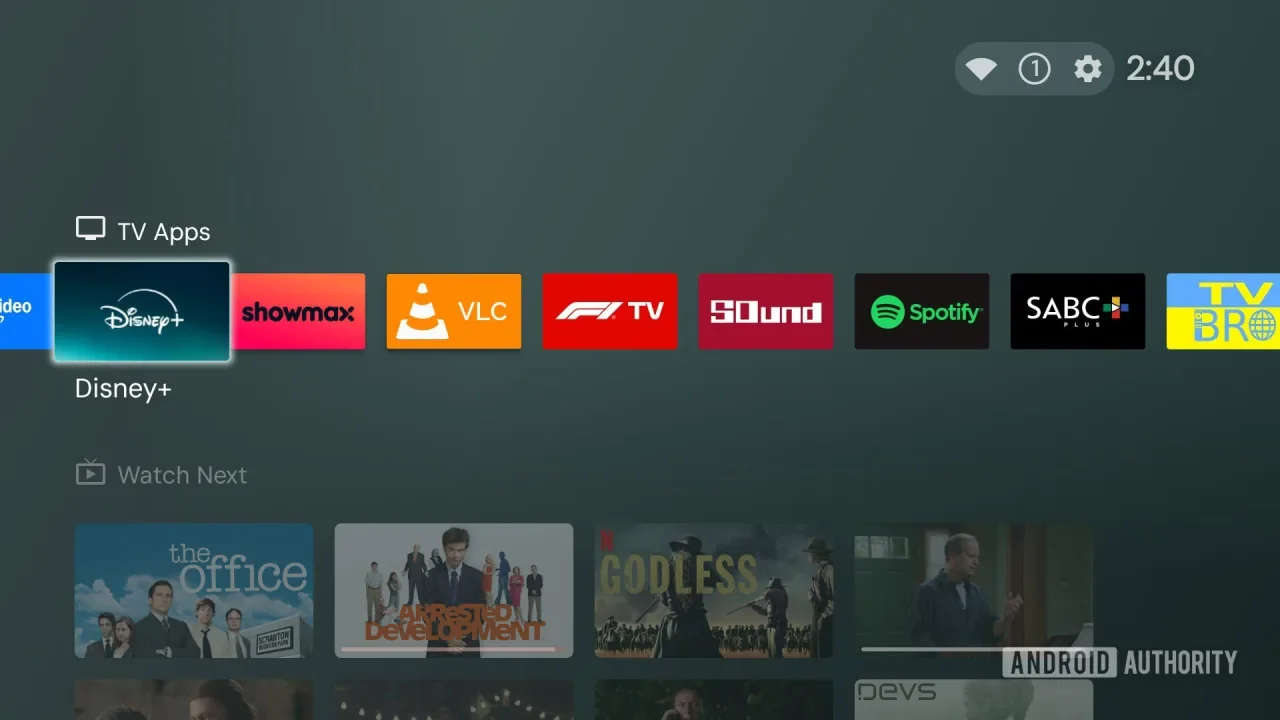
The best movie apps for Google TV are not necessarily the services with the largest libraries. Good streaming platforms should match your viewing habits while delivering a smooth experience on a television.
Large and Diverse Libraries
A useful movie streaming service should offer different genres, including Hollywood releases, independent films, documentaries, classics, and family entertainment. Search tools and recommendations also make large catalogs easier to explore.
Reliable Streaming Performance
Buffering can ruin movie night. Look for adaptive streaming, stable playback, and support for 4K or HDR when your television and subscription allow it. A strong internet connection is equally important.
Simple Google TV Navigation
The best movie apps for Google TV should be easy to control with a remote. Clear menus, voice search, watchlists, and personalized recommendations help viewers find movies without wasting time.
16 Best Movie Apps for Google TV
These best movie apps for Google TV cover subscriptions, free streaming, rentals, purchases, and specialized collections. Availability and catalogs can differ by country.
Netflix
Netflix remains a leading choice because it combines original movies, licensed films, documentaries, and regional content. Its polished interface and recommendation system make browsing straightforward.
Prime Video
Prime Video offers movies and series through a subscription while also providing rental and purchase options. This flexibility is useful when a desired title is outside the included catalog.
Disney+
Disney+ is ideal for families and fans of Disney, Pixar, Marvel, Star Wars, and National Geographic. Compatible devices can support high-resolution video and HDR for selected content.
Max
Max combines movies with premium television, documentaries, and original productions. Its catalog can include Warner Bros. films and major franchises, although availability varies by market.
Hulu
Hulu offers movies alongside a broad television catalog. Its selection changes regularly, giving subscribers new content to discover. The service is primarily market-dependent, so check availability in your country.
YouTube
YouTube also provides legal movie rentals and purchases. It is especially convenient on Google TV because the platform is closely integrated with Google’s television ecosystem.
Tubi
Tubi is a free, ad-supported service offering movies and television shows. It is useful for viewers who want more entertainment without another monthly subscription. Catalogs differ by location, so compare the best movie apps for Google TV available in your market.
Pluto TV
Pluto TV combines free live channels with on-demand movies and shows. Its television-style interface works well for people who enjoy browsing instead of choosing one specific title.
Peacock
Peacock provides movies, television series, live programming, and originals. Depending on the market and plan, viewers can access free or premium content through a compatible Google TV app.
Plex
Plex offers free ad-supported movies and shows in supported regions while also supporting personal media libraries. It can therefore serve households that want both streaming content and their own files in one place.
Paramount+
Paramount+ provides movies, franchises, television programming, and original productions. Since content differs by territory, review the local catalog before choosing a subscription.
Apple TV
Apple TV gives viewers access to Apple’s original films and series, plus movie rentals and purchases. It is a good option for people who prefer premium productions or individual digital purchases.
Google TV Freeplay
Google TV Freeplay provides free, ad-supported entertainment where available. Its integration with Google TV makes supported programming easy to browse without depending entirely on separate apps.
Crackle
Crackle has traditionally offered free, ad-supported movies and television shows. It can be useful for budget-conscious viewers, although its current availability depends heavily on location.
Fandango at Home
Fandango at Home focuses on digital movie rentals and purchases. It is useful for new releases or specific titles that are not included with your existing subscriptions.
Kanopy
Kanopy provides films through participating libraries and educational institutions. Eligible users can often watch at no additional cost, with a collection that emphasizes independent, international, and documentary cinema.
How to Choose the Right Movie App
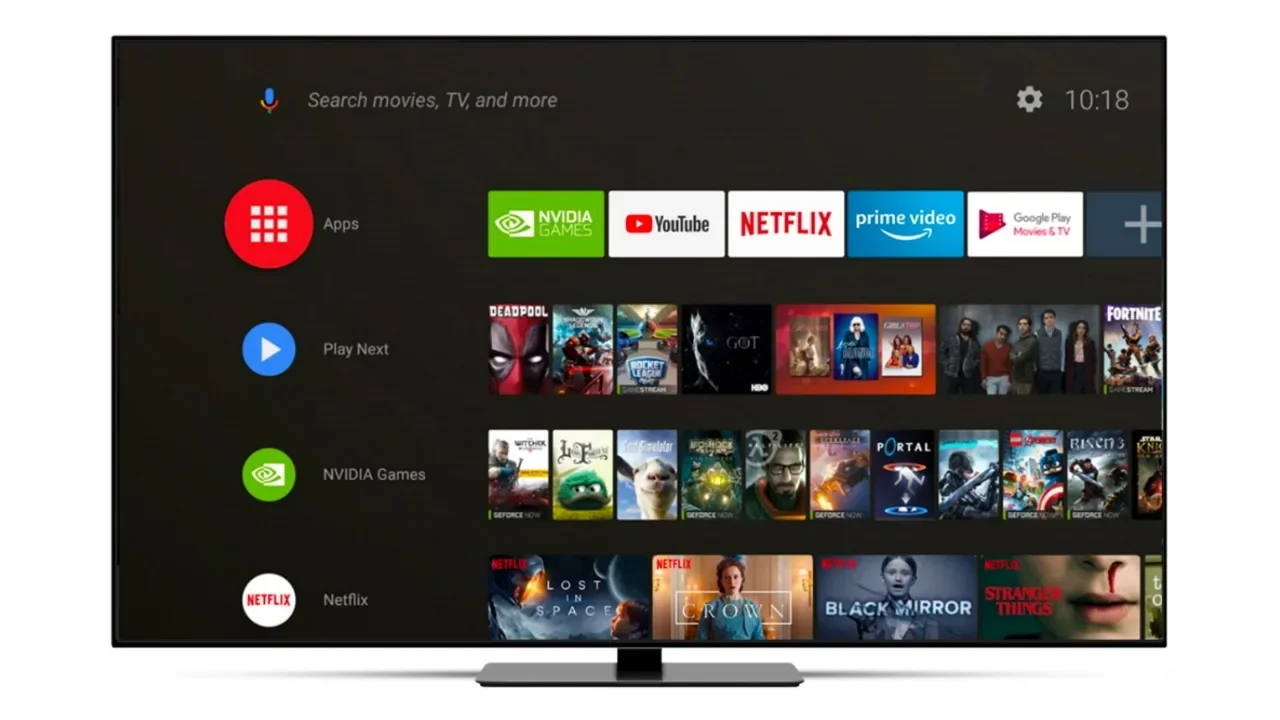
When comparing the best movie apps for Google TV, focus on what you actually watch rather than simply choosing the most popular service.
Compare Subscription Costs
Several subscriptions can quickly increase monthly spending. Choose platforms containing your favorite genres and franchises. Comparing the best movie apps for Google TV can help you avoid paying for overlapping catalogs, then use free services to fill gaps.
Check 4K and HDR Support
If you own a modern television, check for 4K Ultra HD, HDR, Dolby Vision, and compatible audio formats. The app, subscription, movie, television, and internet connection all need to support the selected quality.
Consider Regional Availability
Streaming rights differ between countries. A service may be available on Google TV while offering a different catalog elsewhere. Always check local pricing, supported payment methods, and movie availability.
Tips for Better Movie Streaming on Google TV
Even the best movie apps for Google TV can experience problems if your network or device is poorly configured. A few simple adjustments can improve playback.
Use a Stable Internet Connection
Use reliable Wi-Fi or Ethernet when possible. Reducing large downloads and other bandwidth-heavy activity can also help prevent buffering during high-resolution movies.
Keep Apps Updated
Updates can improve compatibility, performance, security, and features. Keep both your streaming applications and Google TV software updated for a smoother experience.
Manage Installed Applications
Remove services you no longer use and keep your favorite apps easy to access. A cleaner home screen makes movie discovery faster.
Free vs. Paid Movie Streaming Apps
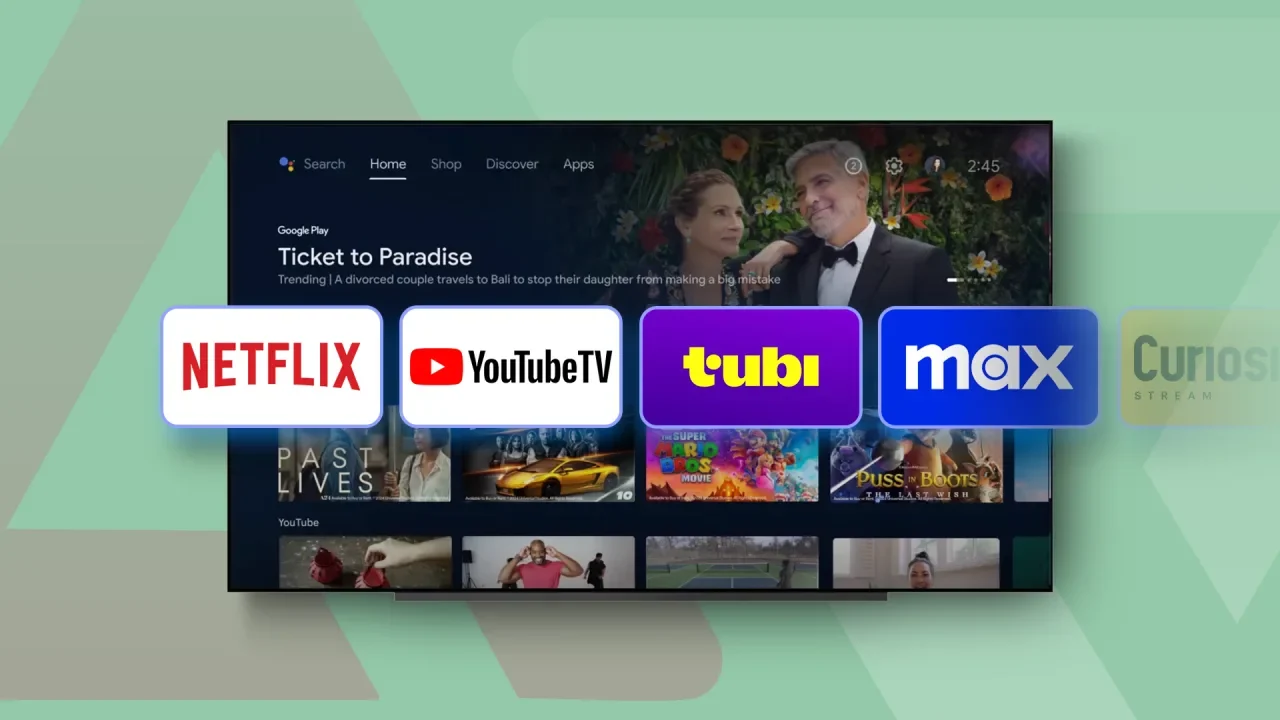
The best movie apps for Google TV can be either free or paid. The right combination depends on how often you watch movies and whether you want the latest premium releases.
Benefits of Free Services
Free services normally use advertisements instead of monthly fees. They are useful for casual viewers who want a broad selection without increasing their entertainment budget.
Advantages of Paid Services
Paid platforms often provide premium catalogs, exclusive originals, fewer interruptions, or higher-quality playback. They offer better value when their content matches your regular viewing habits.
Combining Both Options
Using one or two paid services with free platforms can provide variety while controlling costs. You can also rent individual movies when they are unavailable through your subscriptions.
Safety and Legality When Streaming Movies
Choosing the best movie apps for Google TV also means considering security and legality. Official services provide clearer information about licensing, privacy, pricing, and supported devices.
Use Official Streaming Platforms
Download applications through Google Play or official service websites. Avoid unfamiliar apps that promise unrestricted access to premium movies without clear licensing information.
Check App Permissions
Review permissions before installing unfamiliar software. A legitimate movie app generally should not require unnecessary access to unrelated personal information or device functions.
Avoid Suspicious Streaming Links
Free movie websites can contain deceptive advertisements, fake download buttons, or malicious files. For additional information about streaming alternatives, Read more: Cinema HD Alternatives: Best Free Streaming Apps to Try.
How Google TV Enhances Movie Discovery
The best movie apps for Google TV become even more useful when combined with Google TV’s discovery features. The platform can help viewers search across supported services and find available viewing options.
Unified Search
Voice search lets you find a movie without typing its title with a remote. Depending on the region and supported apps, Google TV may show subscription, rental, and purchase options.
Personalized Recommendations
Recommendations can help you discover films based on your interests and installed services. This reduces the need to open every streaming app separately.
Easy Access to Multiple Services
Google TV brings different entertainment services into one television environment. You can switch between subscriptions, free platforms, and rental stores without changing hardware. Visit software-technics.co.uk for more related software and streaming guides about the best movie apps for Google TV and similar tools.
Final Thoughts
The best movie apps for Google TV depend on your budget, location, favorite genres, and picture-quality requirements. Netflix, Prime Video, Disney+, Max, and Paramount+ suit viewers seeking premium libraries, while Tubi, Pluto TV, Plex, and other free platforms add affordable entertainment. Rental services are useful for individual titles, and Kanopy offers a specialized collection for eligible users. By combining legitimate services that fit your habits, you can build a flexible Google TV setup without paying for unnecessary subscriptions.